


Free
For trying things out and single clips.
€0/ month
Free for as long as you like
- 10 GB storage
- 100 GB traffic / month
- Adaptive HLS up to 1080p
- Share links expire after 30 days

Upload any video, or save the moment from your game with F8. Streambliss prepares it for every screen and gives you one link to share.
The recorder is free for Windows 10 and 11
Recognises more than 11,000 games on its own
Finds installed games inSteamEpic GamesRiot Games
Not on the list? You can start a recording for anything else by hand.
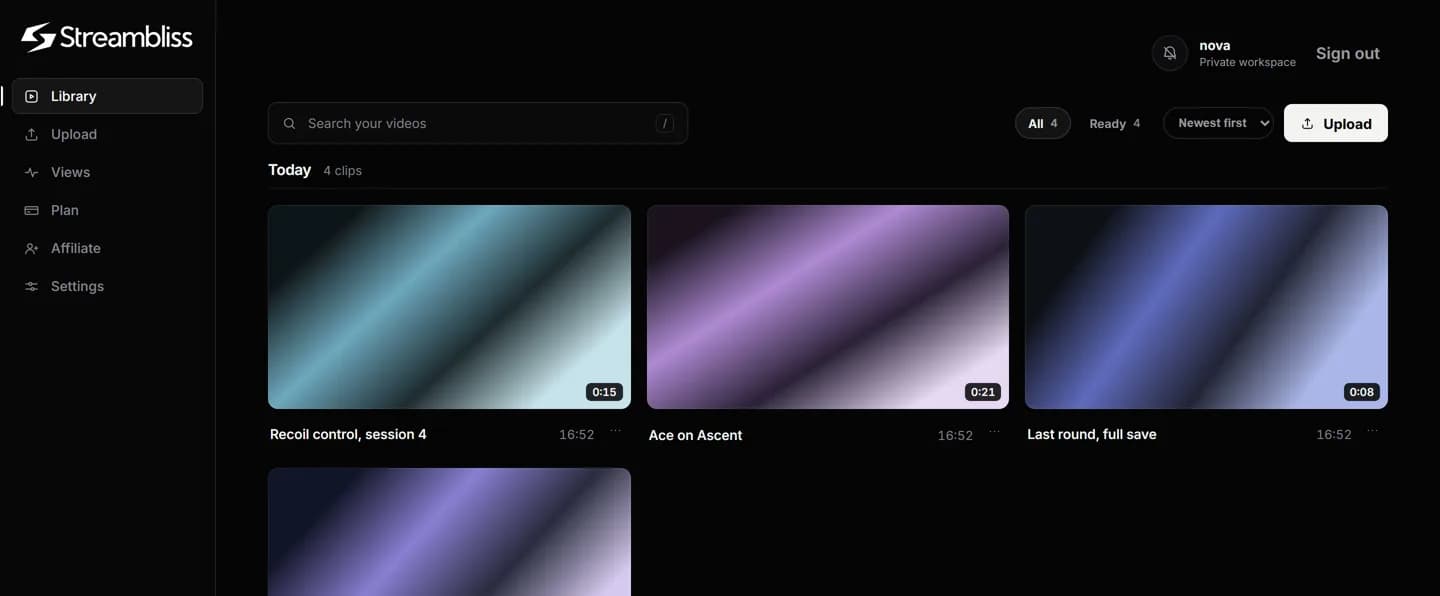
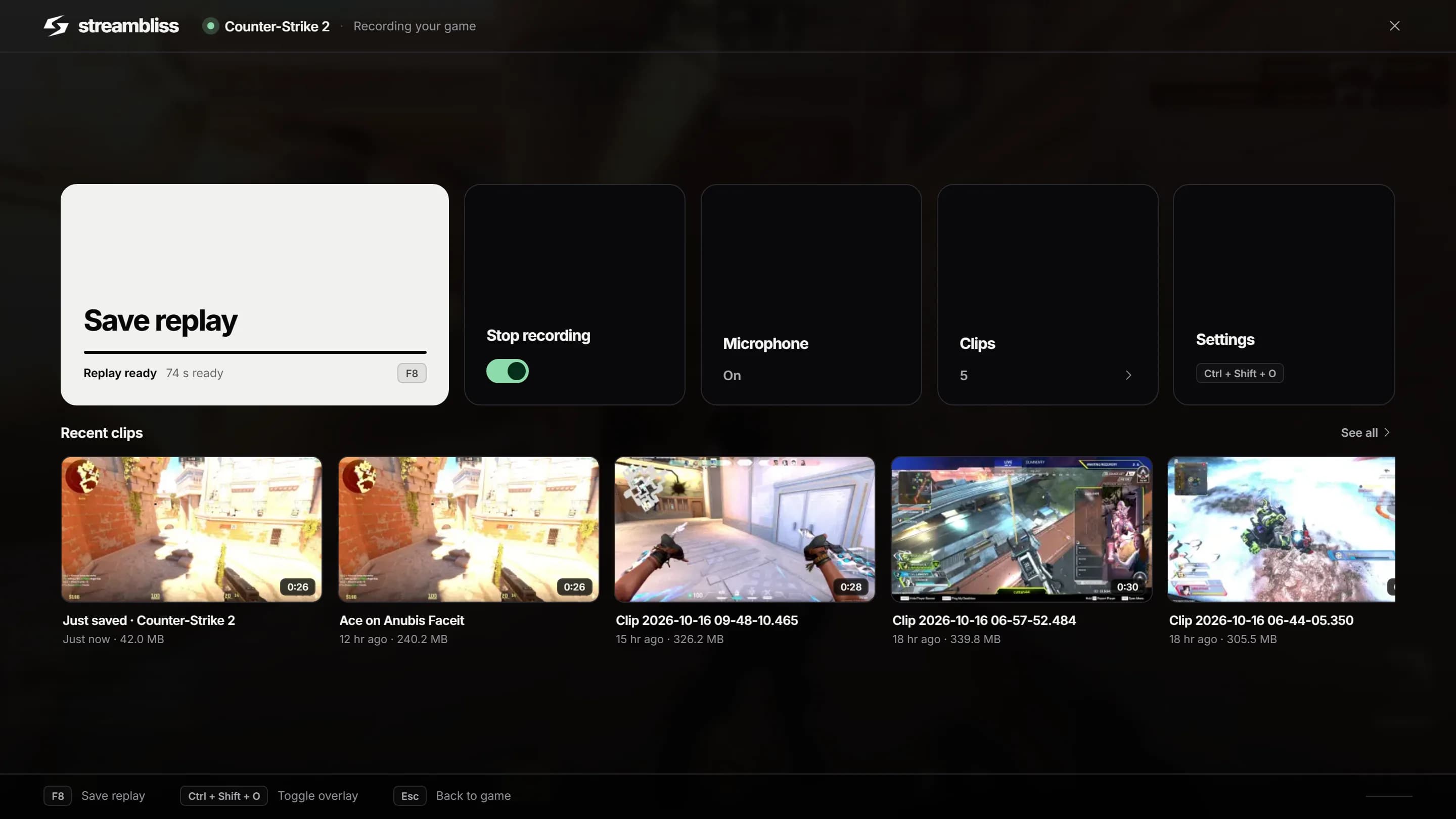
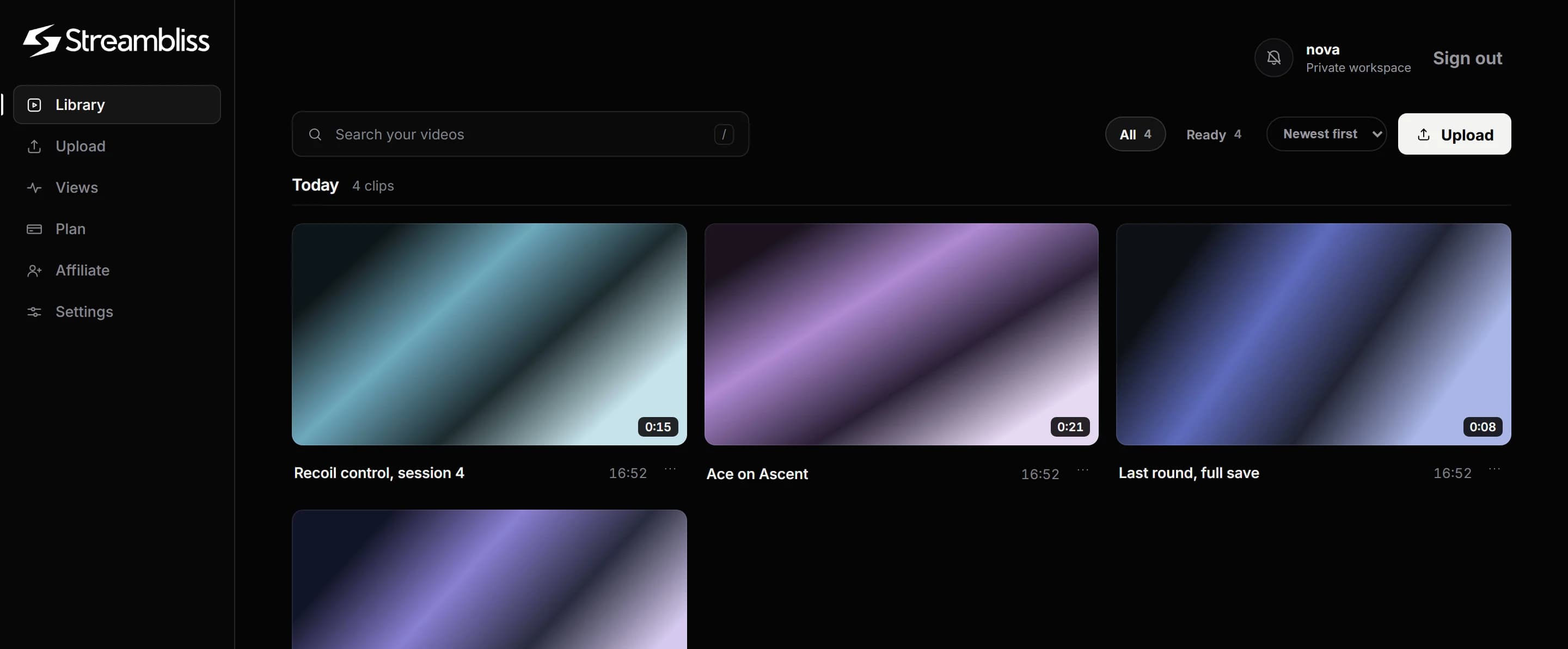
Drop a video into your browser, or press F8 in a game. Either way it lands in your library.
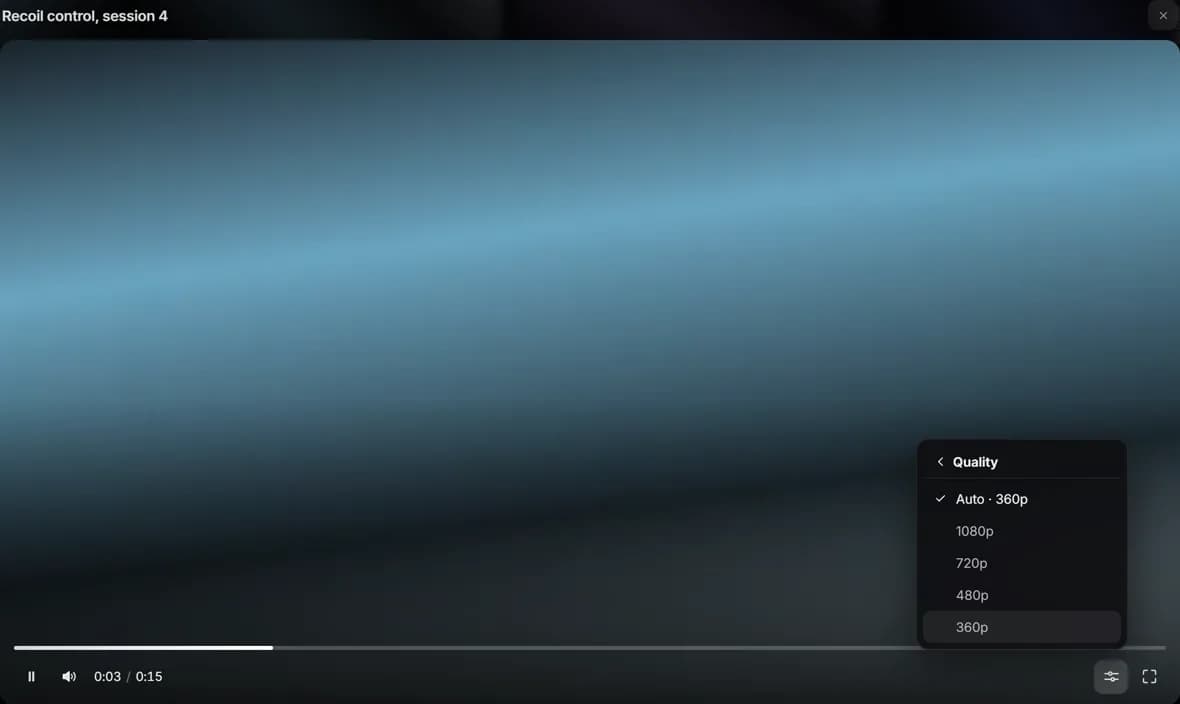
Every video is prepared in four qualities, from 1080p down to 360p. Viewers get the one their connection can carry.
Send the link wherever you like. In Discord the video plays right in the chat, everywhere else in the browser, with nothing to download.
Capture knows the game, reads its cover and banner from your own installation and files every clip on the right shelf. No folders, no tags: you look for the game, not the date.
Windows 10 / 11 · 64-bit
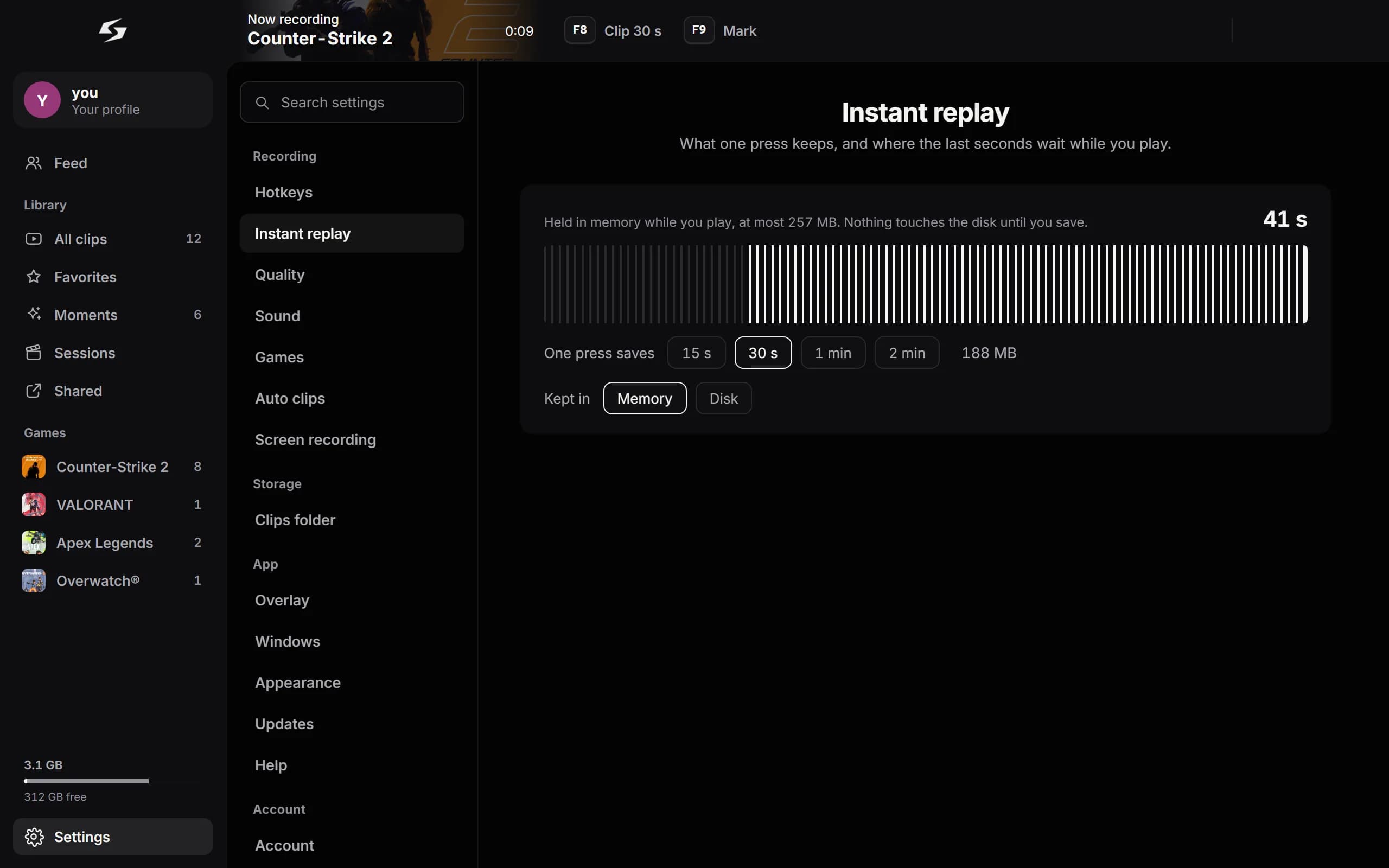
Streambliss keeps your last moments of gameplay ready. You decide which one stays.
The first time you run it, SmartScreen reports that Streambliss is not certified yet. Choose “More info”, then “Run anyway”.
Cancel monthly, no contract. Storage and traffic are hard limits — no hidden fair-use clause.
For trying things out and single clips.
€0/ month
Free for as long as you like
For everyone shipping video regularly.
€8€10/ month
€96 billed once a year
For high volume and your own branding.
€20€25/ month
€240 billed once a year
In every plan: originals stay private, links revocable at any time.
Streambliss records your games and shares the best moments. Streambliss Capture for Windows keeps the last seconds of your game, F8 saves them as a clip, and one link lets anyone watch it in their browser.
Yes. The free plan includes 10 GB of storage, videos up to 250 MB and Capture for Windows. Pro (€10 a month) and Creator (€25 a month) add more storage, larger videos and keep your videos until you delete them.
Capture recognises over 10,000 games by itself and records any other game you add. In Counter-Strike 2 and VALORANT it also saves your kills automatically, and F9 marks a moment in any game.
The installer is not signed yet, so Windows SmartScreen asks before the first start. Click "More info" and then "Run anyway". Updates install themselves after that.
No. Anyone with your link watches directly in their browser or right inside Discord, and the quality adapts to their connection.
Yes. Revoke a link or replace it with a new one at any time, without uploading the video again.
Yes. You get a profile with your clips, can follow friends and see their newest clips in your feed. Capture finds friends from Discord and Steam for you.
Yes, an open one. Anyone can join, and things can still break. Tell us in our Discord or under Settings → Help in the app, which sends us the logs we need.
From your first clip to the finished project. Give your videos a home and share them with the right people.